I still remember the frustration of trying to steer the Whimcycle through the winding paths of Florawish back in early 2025. The default keyboard controls felt stiff—every sharp turn threatened to send Nikki flying into a bush, and the combat keys were scattered in ways my fingers could never quite reach without glancing down. I adored Infinity Nikki’s gorgeous open world and its whimsical dress-up mechanics, but the rigid PC controls made every session a small battle between my reflexes and the game’s design. That all changed the moment Infold Games finally rolled out customizable key bindings for PC players, and now, well into 2026, I can’t imagine playing any other way.
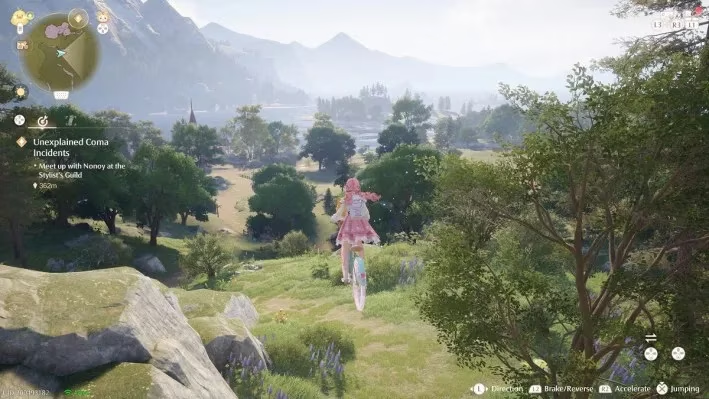
My journey with Infinity Nikki began on a rainy evening in December 2024, when the game first launched with its breathtaking cross-platform promise. I installed it on my trusty desktop, lured by the anime-inspired art style and the soothing promise of crafting outfits to unlock new abilities. The initial hours were pure magic—floating fabrics, sparkling collectibles, and a soundtrack that could calm my overthinking mind. But then I unlocked the Whimcycle, the adorable bicycle that was supposed to make exploration faster and more joyful. The default controls assigned acceleration to a key that felt miles away from the steering keys, and braking required a finger gymnastics routine that never felt natural. I spent more time apologizing to NPCs I accidentally bumped into than actually enjoying the ride.
Combat didn’t fare much better. Nikki’s ability outfits, like the Purification set, rely on precise dodging and targeted attacks. Yet for months, I was stuck with jump on Space, attack on J, dodge on L—an arrangement that turned every encounter with the Dark beings into a frantic keyboard hunt. I’d often hit the wrong key in the heat of the moment and watch Nikki get knocked back, her beautiful dress fluttering in defeat. I knew the game was receiving love from its developer, but without the freedom to remap controls, I started limiting my playtime to short, non-combat exploration sessions.
Then came the update that loyal players had been requesting for months. In early 2025, Infold Games announced that PC players could finally customize their key bindings. I remember launching the game that day with equal parts hope and skepticism. The menu was easy to find: I opened the in‑game settings, selected “Control,” and there it was—“Key Bindings.” A clean screen with dozens of assignable actions appeared, and my heart did a little cheer.
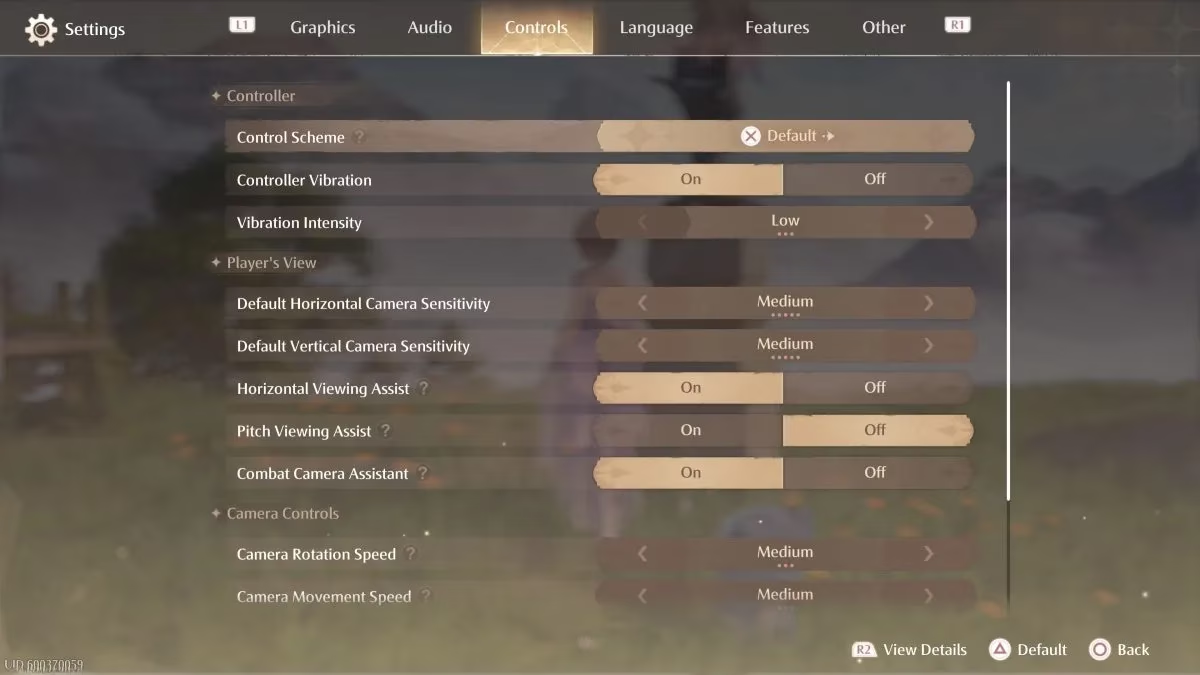
I spent the next hour meticulously reworking every input. Combat became fluid when I mapped attack to a side button on my mouse and dodge to Shift, a setup I’d used in other action titles. Jump stayed on Space because muscle memory is a stubborn thing, but I moved the interaction key to E, so chatting with villagers and picking up dews of inspiration felt effortless. The real game-changer, though, was the Whimcycle customization. I assigned accelerate to the right mouse button and brake to a thumb key on my gaming mouse. Suddenly, the bike handled like a dream. Drifting through Breezy Meadow while collecting Whimstars became the soothing ritual the game had always promised. No more accidental crashes—Nikki glided along the paths, her hair ribbons dancing in the wind as if celebrating my newfound control.
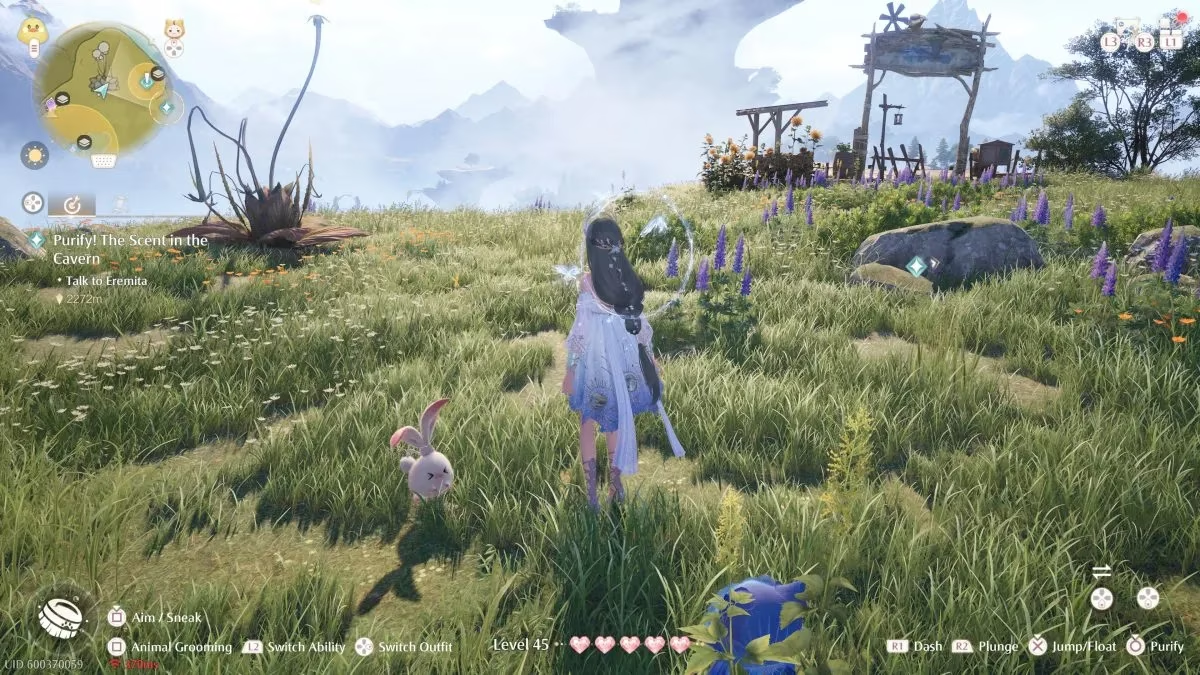
The key binding menu offered more than I expected. Beyond standard movement and combat, I could remap dialogue options, the ability wheel, and even photo mode shortcuts. This meant I could capture the perfect snapshot of Nikki mid‑pose without fumbling through menus. Not every action was customizable at launch—some deeper interface interactions remained fixed—but Infold Games promised more options were coming. And they delivered. By mid‑2025, and with the expansions through 2026, almost every possible PC input became mappable, including separate bindings for different outfit abilities. Now, when I switch from the Floating Outfit to the Electrician set, I can instantly trigger the matching skill with keys that feel instinctive.
Mobile and console players haven’t been entirely left behind, though. My friend who plays on an iPhone can adjust the on‑screen joystick type and reposition touch buttons, which definitely improved her Whimcycle rides. But the deep, per‑action customization remains a PC‑only treasure. I honestly don’t see that changing for PS5 or mobile anytime soon—keyboards offer a giant canvas that controllers and touchscreens simply can’t match. That exclusivity makes me even more grateful I chose the desktop version.
Now, in the spring of 2026, Infinity Nikki feels like a game that has truly understood my playstyle. The key bindings update didn’t just fix a technical issue; it transformed the way I connect with Miraland. Customizing my controls turned the game into a personal experience, where every jump, every interaction, and every Whimcycle ride reflects exactly how I want to move through the world. I often look back at those early months and chuckle—the clumsy crashes, the frantic keyboard mashing—almost fondly. They were part of the journey that made the freedom even sweeter.
If you’re a PC player still using the default setup or a new player joining in 2026, I can’t recommend enough that you dive into the key bindings menu. Spend ten minutes reworking the controls to fit your fingers, your mouse, your rhythm. The Whimcycle will feel alive. Combat will become a dance rather than a chore. And the magic of Infinity Nikki, already abundant, will finally be unburdened by clumsy inputs. After nearly two years and countless hours of play, I can say this with certainty: the day I claimed my own controls was the day Nikki’s world truly became mine.
As I continue to revel in the personalized experience of Infinity Nikki, I'm always on the lookout for ways to expand my gaming library without breaking the bank. That's where a dedicated tool like a game price tracker becomes invaluable. This resource helps me keep an eye on the latest deals and discounts for my favorite titles, ensuring that I never miss an opportunity to enhance my collection at the best price.
Exploring new games and experiences can be just as thrilling as refining controls and mastering the intricacies of a beloved game. With tools like DealNest guiding my purchasing decisions, I can confidently explore a world of gaming possibilities, knowing I am getting the most value for my investment. Whether you're a seasoned gamer or just starting out, utilizing a price tracker could be the key to unlocking a gaming adventure tailored to your preferences and budget.
Comments